![[DoRoyal] Logo](https://cdn.doroyal.com/2026/08/DoRoyal_by_Sidular-1-scaled.png)
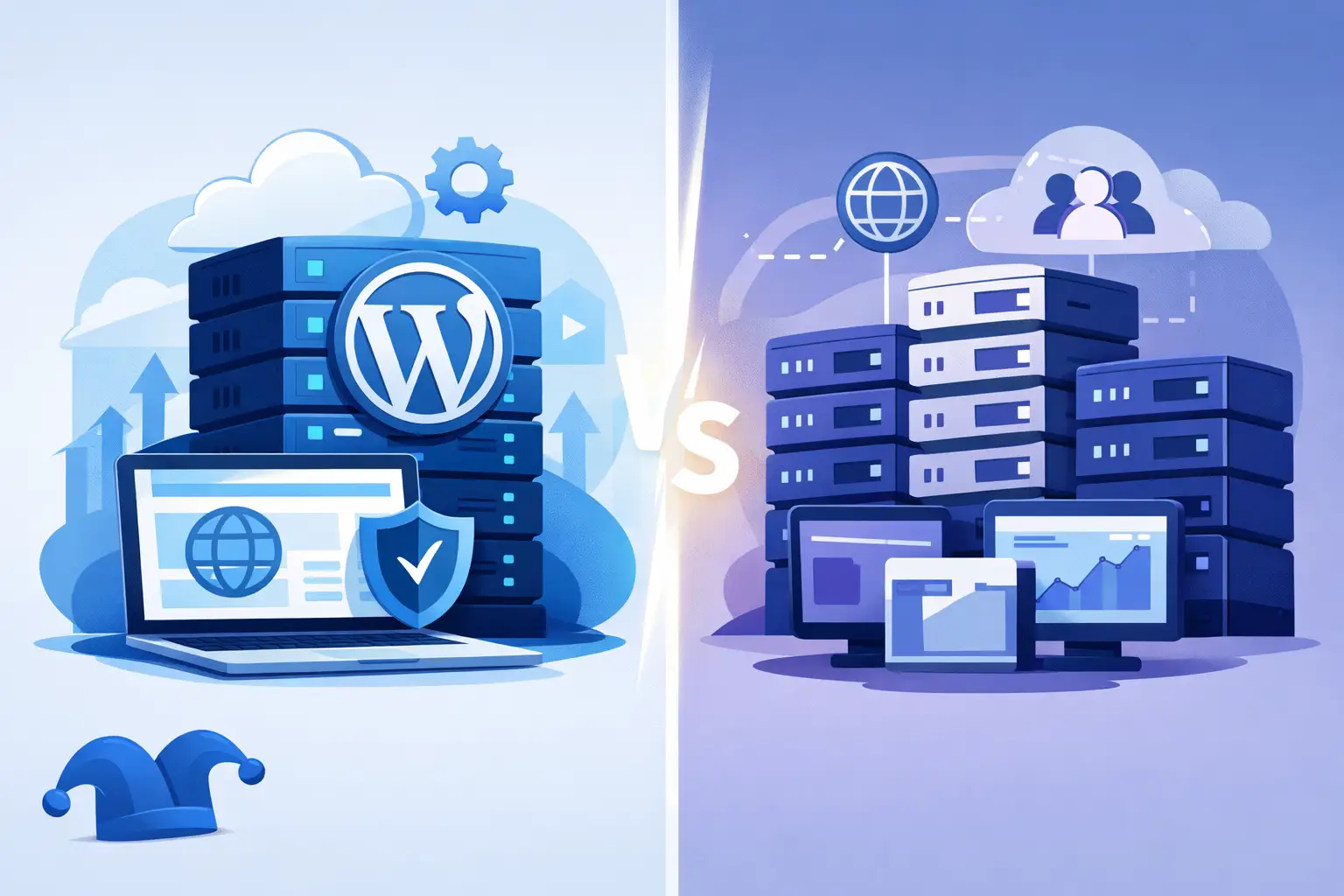
A small business site does not need an enterprise-sized hosting bill. But it does need to stay available, load reliably, and remain manageable when something needs attention. That is why the WordPress hosting vs shared hosting decision is less about picking the plan with the most marketing claims and more about paying for the level of management and flexibility your site actually needs.
Both options can be a sensible home for a WordPress site. The difference is in how the server is configured, how much of the technical work the host handles, and what freedom you have to run something beyond WordPress. A clear comparison helps avoid two common mistakes: paying extra for managed features you will not use or choosing a cheap plan that creates unnecessary work later.
WordPress Hosting vs Shared Hosting: The Core Difference
Shared hosting is a general-purpose service. Your website shares a physical server and its underlying resources with other customer accounts, while each account has its own files, databases, email settings, and control panel access. You can usually host WordPress, but you may also run a basic HTML site, another content management system, a small web application, or several different website types under the same account.
WordPress hosting is built specifically around WordPress. Depending on the provider and plan, it may include WordPress preinstallation, automatic core updates, WordPress-focused support, caching configured for common WordPress workloads, security rules tailored to the platform, and scheduled backups. It may still use shared server infrastructure, but the service is organized around one application rather than general web hosting.
This is the point many comparisons miss: WordPress hosting is not automatically a separate class of server power. In many cases, it is shared hosting with a more specialized setup and a more managed experience. The value comes from the operational details, not the label alone.
What You Get With Shared Hosting
Shared hosting is often the practical starting point for personal sites, local businesses, portfolios, brochures, and early-stage projects. It keeps costs low because multiple accounts use the same server environment. A good shared plan still provides the essentials: website storage, databases, email options, SSL support, a control panel, and access to install WordPress.
Its main advantage is flexibility. If you own several domains or expect to host a mix of projects, a general hosting account gives you room to organize them in one place. You are not limited to a WordPress-only workflow, and you generally have more control over files, databases, email accounts, DNS settings, and application installations.
That flexibility comes with more responsibility. You may need to install WordPress yourself, choose and configure a caching plugin, manage updates, and decide how backups will be handled. None of these tasks are especially difficult for an experienced site owner, but they can be a distraction for someone who simply wants a business site to work.
Shared hosting also has real resource boundaries. “Unlimited” marketing language does not change the fact that a shared server has finite CPU, memory, disk activity, and network capacity. Fair providers explain how resources are allocated and enforce limits consistently so one busy account does not reduce service quality for everyone else.
What You Get With WordPress Hosting
WordPress hosting reduces the number of decisions a WordPress site owner needs to make. The platform may be installed before you log in, common settings may be preconfigured, and the support team is more likely to understand issues involving themes, plugins, wp-admin access, database errors, and update conflicts.
For a beginner, those details matter. A restaurant owner updating menus, a consultant publishing articles, or a nonprofit managing donations should not have to learn server administration just to keep a website current. Managed updates and backups can lower the chance that a missed maintenance task becomes a larger problem.
Performance can also be better when the host has tuned caching and PHP settings for WordPress. That does not mean every WordPress hosting plan will outperform every shared plan. Site speed still depends heavily on the theme, plugins, images, traffic patterns, database size, and the resources assigned to your account. A poorly built WordPress site can remain slow on an expensive managed plan.
The trade-off is narrower control. Some WordPress hosting plans limit certain plugins, restrict advanced server settings, or do not include traditional email hosting. Those restrictions can be reasonable when they prevent conflicts or keep the platform stable, but they should be clear before you buy. A managed environment is useful only if it fits the way you work.
Compare the Costs Beyond the Introductory Price
The lowest first-term price is rarely the whole story. Compare the regular renewal rate, included storage, website limits, backup terms, email needs, migration charges, and the cost of necessary add-ons. A plan that looks inexpensive can become less attractive if backups, SSL, email, or basic security are treated as expensive extras.
WordPress hosting often costs more because management has a cost. Someone must maintain the platform configuration, monitor common WordPress issues, maintain backup systems, and provide support that goes beyond a general server check. That premium can be worthwhile when it saves time or helps prevent downtime.
Shared hosting can offer better value when you are comfortable handling routine WordPress tasks or when you need one account for multiple site types. It is especially useful for owners who want a straightforward control panel and do not want to be pushed into a specialized product they do not need.
Rather than asking which option is cheapest, ask what an hour of your time is worth. If you spend several hours troubleshooting updates, restoring a site, or figuring out why a plugin caused an error, a more managed plan may be the better deal. If you already know how to handle those tasks, paying for extra management may not make sense.
Which Plan Fits Your Website?
Choose WordPress hosting when WordPress is your only platform, you want less technical maintenance, and you value help from a team familiar with common WordPress problems. It is a sensible fit for site owners who would rather focus on content, customers, or sales than on plugin compatibility and update schedules.
Choose shared hosting when you need broader flexibility, run more than WordPress, manage multiple small sites, or prefer direct control over your account environment. It also works well for WordPress users who are comfortable installing software, maintaining plugins, and setting up a dependable backup routine.
Traffic alone should not decide the question. A well-built low-traffic website may benefit from managed WordPress tools, while a technically experienced owner can run a moderately busy WordPress site effectively on a properly resourced shared plan. What matters is the combination of traffic, site complexity, technical comfort, and the consequences of downtime.
For an online store, membership site, or lead-generation business, backups and recovery deserve extra attention regardless of plan type. Hosting is only one part of the operational picture. Keep WordPress, themes, and plugins updated, use strong account credentials, maintain off-server backup options when appropriate, and test restores before an emergency makes that the first time you try one.
Questions to Ask Before You Buy
Before choosing a plan, look past the product name. Ask how many websites and domains are included, whether email is part of the account, what resources are allocated, how backups work, and what happens at renewal. Find out whether the host can help with a WordPress migration and whether support can explain limits in plain language.
Also consider your next step. A simple site may begin on shared hosting and remain there for years. A growing store or resource-intensive application may eventually need a VPS for more isolated resources and greater configuration control. There is no prize for moving to a more complex service before the site actually needs it.
The better choice is the one that gives your website enough capacity, clear operating boundaries, and a support model that matches your skills. Start with the service you can use confidently, keep your costs understandable, and leave room to grow when your website gives you a real reason to do so.



