![[DoRoyal] Logo](https://cdn.doroyal.com/2026/10/DoRoyal-logo-smooth-navy.png)
Wildcard SSL Comparison: What Actually Matters
A wildcard SSL comparison should start with a plain question: how many hostnames do you actually need to secure? A wildcard certificate can be a sensible, cost-effective choice for a growing site, but it is often bought for the wrong reason. It protects a specific level of subdomains, not every address connected to your domain, and that distinction affects both security and cost.
For a small business running www.example.com, shop.example.com, and support.example.com, one wildcard certificate may reduce certificate administration. For a single WordPress site with only a www address, it may add cost without solving a real problem. The right choice comes down to hostname structure, validation requirements, renewal workflow, and how much control you have over DNS.
Wildcard SSL comparison: coverage comes first
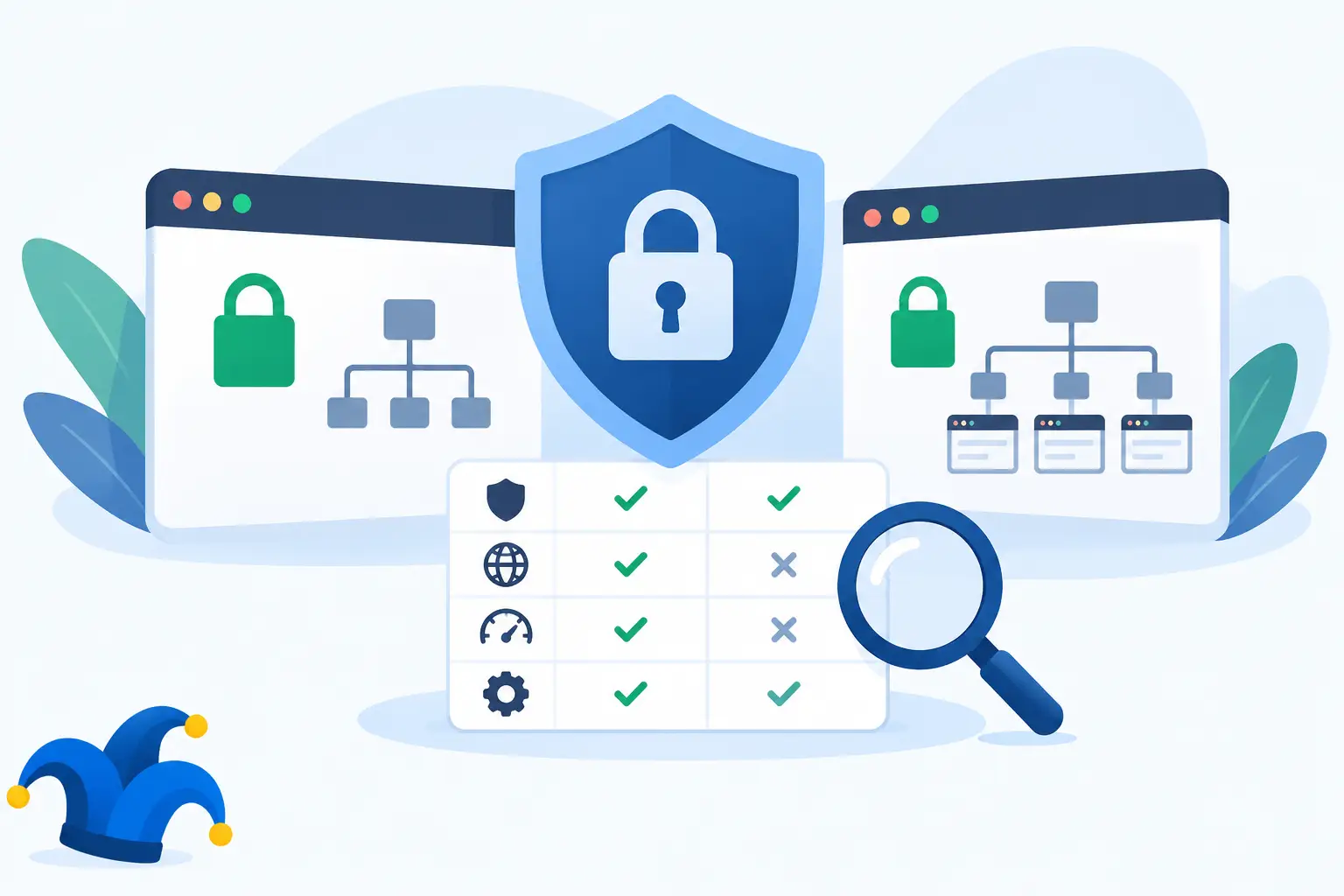
A standard single-domain certificate generally protects one fully qualified domain name, such as www.example.com. A wildcard certificate protects an unlimited number of first-level subdomains under one domain, such as blog.example.com, store.example.com, and mail.example.com.
That sounds broad, but the asterisk has a strict limit. A certificate issued for *.example.com does not automatically cover the root domain, example.com. It also does not cover deeper names such as api.dev.example.com. Those are different hostname levels.
This is the most common source of wildcard SSL confusion. Before ordering, write down every public hostname your visitors, customers, applications, and staff use. Then group them by domain level. A wildcard works well when many services sit directly under the same domain. It is a poor fit when the services are spread across several domains or nested subdomains.
Root domain coverage needs confirmation
Many commercial wildcard certificates include both *.example.com and example.com as certificate names. Do not assume that is true for every certificate or every issuance setup. Check the certificate details before purchasing, especially if visitors use both the non-www and www versions of the site.
If root-domain coverage is not included, you may need a certificate with an additional Subject Alternative Name, often called a SAN. That can still be simpler than managing separate certificates, but the price and renewal process may differ.
Multi-domain certificates solve a different problem
A multi-domain or SAN certificate protects a defined list of names, such as example.com, example.net, and mybrand.com. It is usually the better option when you operate several unrelated domains, need to cover both root and www versions, or have only a few known subdomains.
Some certificates combine wildcard and SAN coverage. They can be useful, but they should be chosen for a real hostname requirement, not because the product description sounds more comprehensive. Extra coverage that no service uses is still an extra renewal item to manage.
Validation type affects identity, not encryption strength
The encryption delivered by a properly configured Domain Validated certificate is not weaker than the encryption delivered by an Organization Validated certificate. The practical difference is how the certificate authority verifies the requester and what organizational information is presented in certificate details.
Domain Validation, or DV, confirms control of the domain. It is the common choice for personal sites, blogs, WordPress sites, development environments, and many small business websites. Issuance is typically faster because the validation process focuses on domain control.
Organization Validation, or OV, adds checks on the organization behind the request. It may be appropriate for businesses with procurement requirements or customers who specifically request organizational verification. It can take longer and requires accurate business records. For most visitors, the browser experience will look much the same as it does with DV.
Wildcard certificates are commonly available as DV and OV products. Extended Validation is generally not issued as a wildcard certificate. If a vendor presents validation labels without explaining what changes operationally, focus on your actual need: domain encryption, business verification, or both.
Issuance and renewal depend on DNS access
A wildcard certificate often requires more planning than a single-domain certificate because DNS is central to validation. Automated wildcard issuance through ACME uses a DNS-01 challenge, which means placing a specific TXT record in your domain’s DNS zone. That is straightforward when you control DNS, but it can become a bottleneck when DNS is held by another provider or managed by a third party.
For developers and VPS users, DNS automation is a major advantage. A DNS provider with an API can create and remove validation records automatically, allowing renewals to happen without a manual ticket or login. This is especially useful when certificates are deployed across containers, reverse proxies, or several servers.
For a business owner who rarely changes DNS, manual validation may be perfectly reasonable. The trade-off is that a missed renewal can create browser warnings, broken checkout flows, failed API calls, and avoidable support work. Put certificate expiration and domain expiration on separate reminders. They are related, but they are not the same renewal event.
Cost is more than the certificate price
A wildcard certificate can be cheaper than buying several individual commercial certificates. It can also become more expensive than necessary when only one or two names need protection. Compare the full annual cost, including renewal pricing, added SANs, validation time, and the labor required to install and monitor the certificate.
There is also an operational cost to consider. One wildcard certificate is convenient, but its private key may be copied to multiple systems. If that key is exposed, every hostname using that certificate may need to be replaced. A separate certificate per service limits the impact of a compromised key, though it creates more certificates to track.
This is an it-depends decision. A modest shared hosting account with a few related subdomains may benefit from one wildcard certificate. A larger environment with separate teams, servers, or security boundaries may be safer with distinct certificates and keys for public web, mail, staging, and internal services.
Compatibility and deployment still matter
Most current browsers and operating systems support modern certificates without issue, but certificate choice is only part of the job. The web server, control panel, proxy, content delivery network, and mail server all need the certificate installed in the right place with the full certificate chain.
A common setup problem occurs when the website has a valid certificate but a mail hostname such as mail.example.com does not. Email clients may then report a name mismatch even though the website loads normally. Include service hostnames in your inventory before selecting coverage.
Key type deserves a quick review too. RSA certificates remain widely compatible, while ECDSA certificates can offer performance benefits on modern systems. Some environments deploy both through the server configuration. If you use older software, embedded devices, or unusual client applications, verify support rather than assuming every device behaves like a current desktop browser.
When a wildcard certificate is the practical choice
A wildcard certificate is usually a good fit when you operate several first-level subdomains under one domain and expect that list to grow. Examples include a business with separate store, support, client portal, and mail hostnames, or a development team creating temporary preview environments like feature1.example.com and feature2.example.com.
It is less compelling for one website, a fixed set of two or three hostnames, or a business with multiple separate domains. In those cases, a basic single-domain certificate or a carefully scoped SAN certificate may be easier to secure and less expensive to renew.
For customers consolidating domains, hosting, backups, and SSL management with a provider such as DoRoyal, the useful question is not whether wildcard sounds more capable. It is whether the certificate matches the names you use now and the names you expect to add before the next renewal.
Choose the certificate that keeps future work reasonable
Start with a hostname inventory, check whether the root domain needs coverage, and confirm who controls the DNS zone. Then choose the smallest certificate scope that covers the real environment without forcing awkward workarounds. A wildcard certificate earns its place when it reduces administration without widening risk more than your setup can comfortably manage.



